
Inside bnq
Get to know your next move.
From your first connection to your next position. Take a closer look at the interface, the decisions and the details along the way.
Take the tour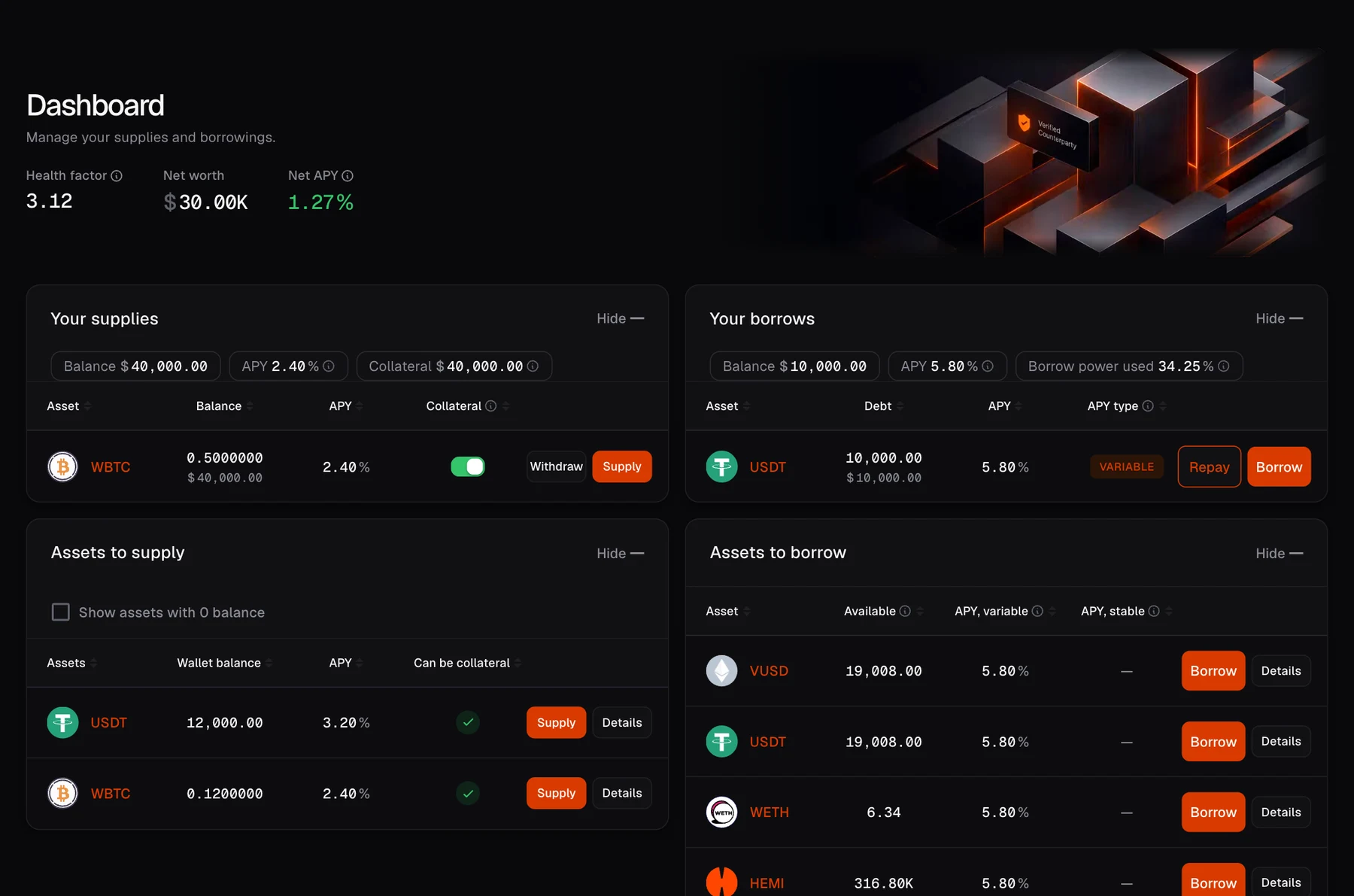
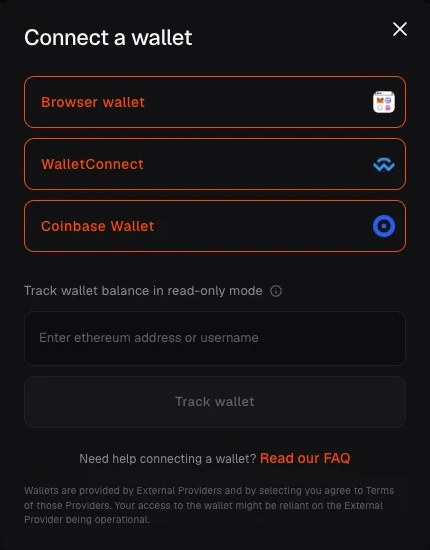
01 / Wallet connection
Start with your wallet.
Choose Connect wallet and select your wallet provider. Review the connection request in your wallet to bring your address into bnq.
- Your wallet is your account.
- Connecting is separate from approving a transaction.
02 / Wallet sign-in
Sign once. Access stays with your wallet.
After connecting, sign a free message in your wallet to prove that you control the address. The issuer verifies the signature and sends a non-transferable SoulBoundToken to that wallet. bnq reads that onchain credential when you enter the market.
- The signature is not a transaction and does not approve spending.
- The SoulBoundToken stays tied to the wallet that completed sign-in.

03 / Markets
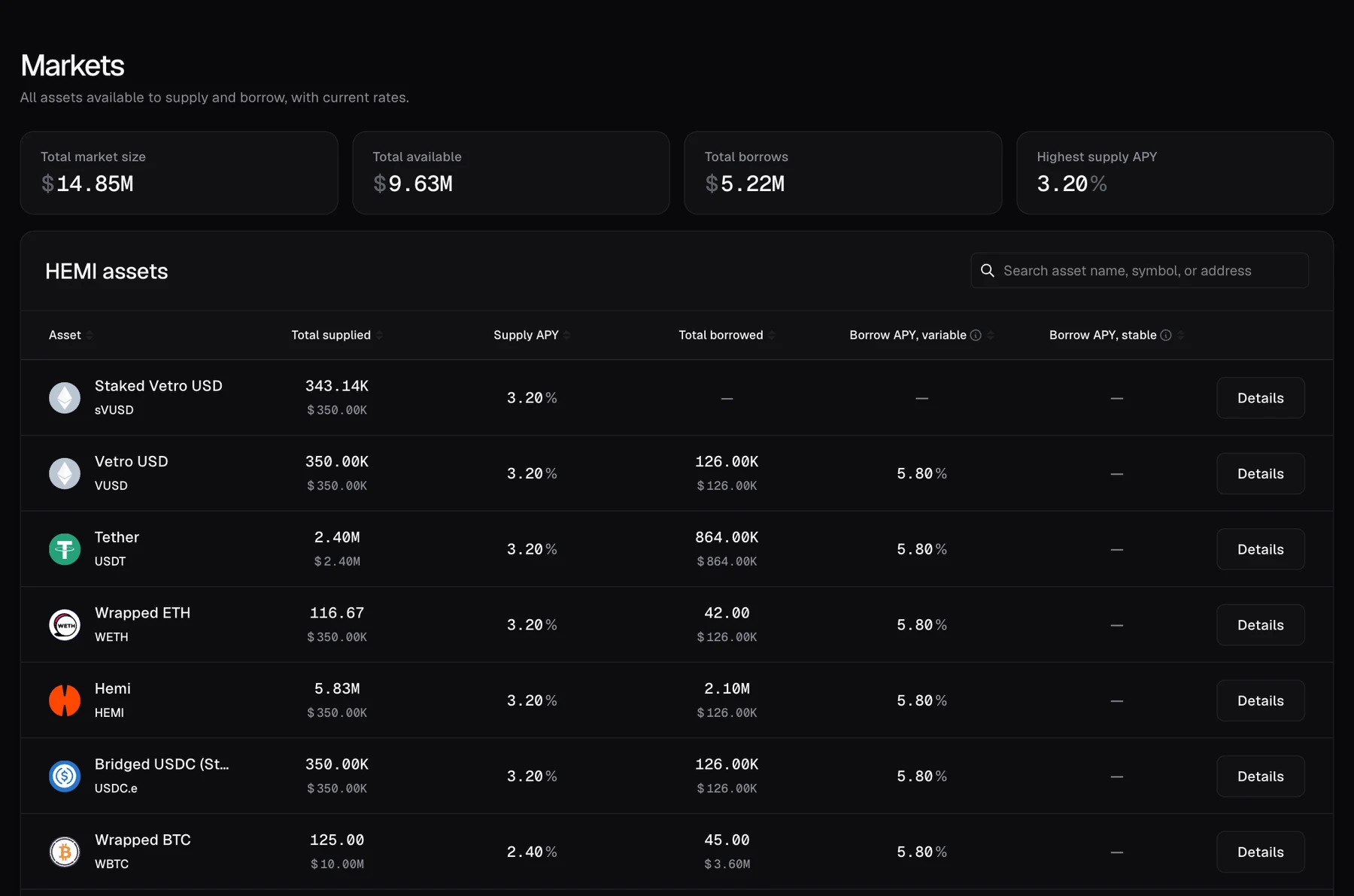
See the market before you act.
Markets brings the available assets together in one view. Compare supply and borrow information, search for an asset and open its details to look more closely.
- Find assets by name, symbol or address.
- Check availability and asset status in the app.
04 / Asset details
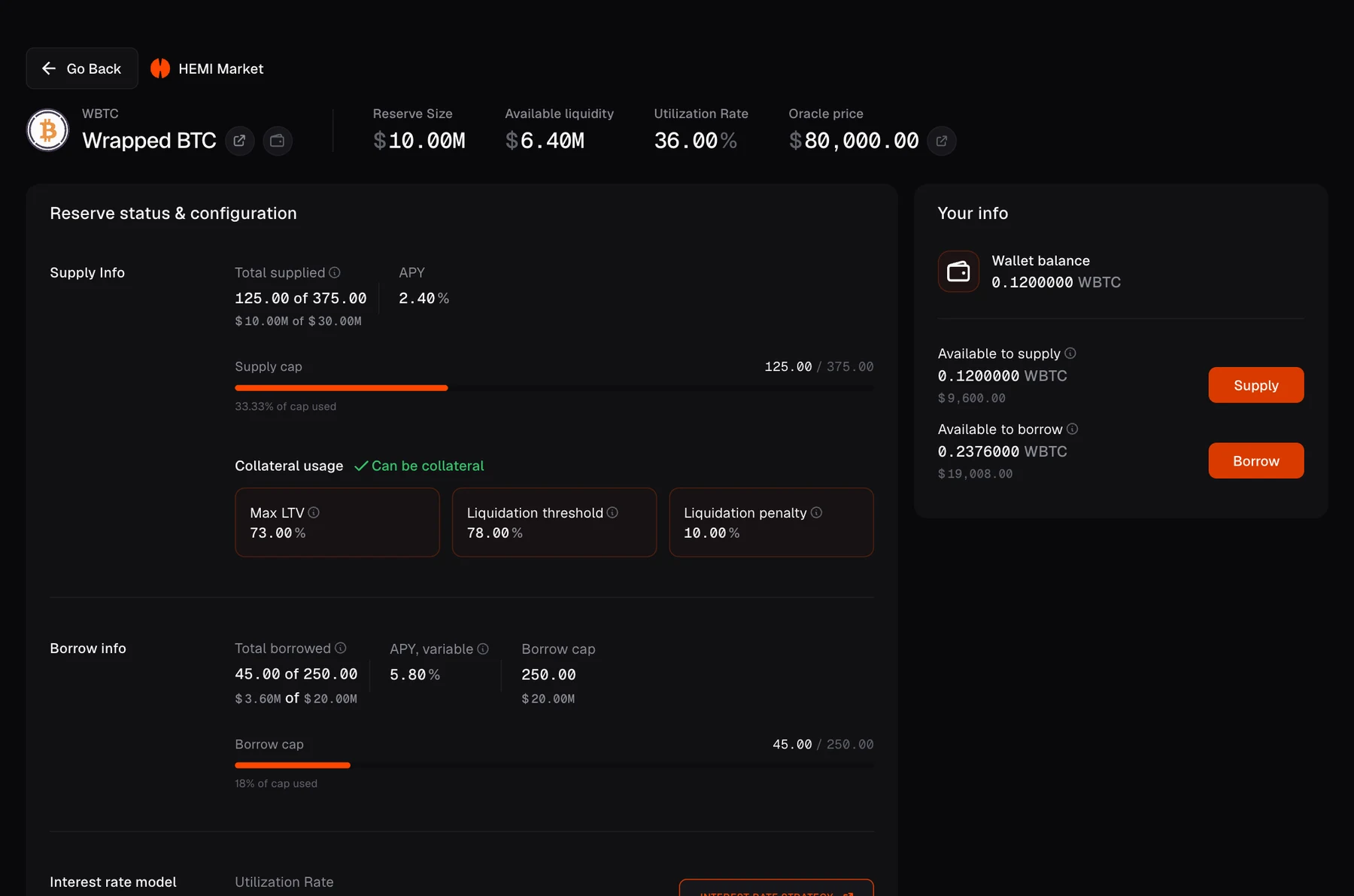
The details behind each asset.
Open an asset to inspect its configuration. Supply and borrow information sits alongside collateral parameters, so you can understand the asset before choosing your next action.
- Review loan-to-value and liquidation parameters.
- Check the current configuration before committing funds.
05 / Dashboard
Your position. In one place.
Dashboard brings your supplies and borrows together. Start a supply from the asset list, then use the actions available for your position to borrow, repay or withdraw. Available actions depend on your collateral and the market.
- Track your net worth, net APY and health factor.
- Review each action in the app before confirming in your wallet.
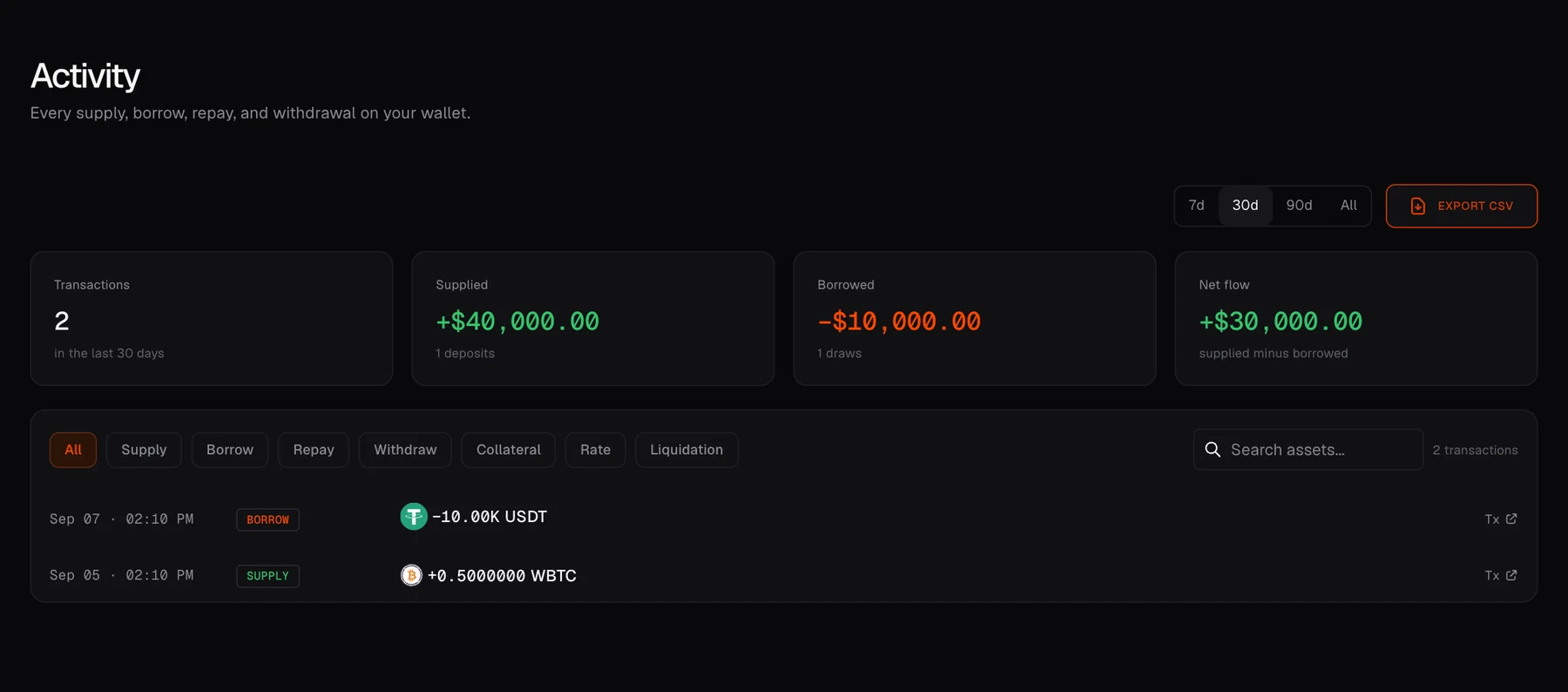
06 / Activity
A record of your next moves.
Activity brings the actions associated with your wallet into one view. Review supplies and borrows, narrow the history by action or date, and follow a transaction to the block explorer.
- Filter your history by action and time period.
- Export a CSV when you need a record of your activity.
Ready when you are
Make your next move informed.
Explore the market yourself, or go deeper into how the protocol works.
Explore security & audits ↗